Airthings Wave Plus Battery Life Tips: Extend Monitoring with RadonClear
Your Airthings Wave Plus is a powerful radon and indoor air quality monitor, but its battery life can feel fleeting if not managed properly. By understanding the key factors that drain energy—from firmware settings to placement—you can keep your device running smoothly for months longer. This guide from RadonClear delivers actionable tips to extend your Wave Plus battery, ensuring uninterrupted radon tracking in your home.
The Wave Plus typically runs on two AA batteries for 1-2 years, but real-world usage often yields less. With these maintenance and troubleshooting strategies, you’ll minimise replacements and maximise uptime.
How Can I Check the Current Battery Level on My Airthings Wave Plus?
Monitoring battery status is the first step to proactive care. The Airthings app provides a clear percentage reading, but there are also visual cues on the device itself. Follow these methods to stay ahead of power loss:
- App Dashboard: Open the Airthings app, select your Wave Plus, and look for the battery icon in the top-right corner. Tap it to view the exact percentage (e.g., 85%). A low battery warning appears at 20%.
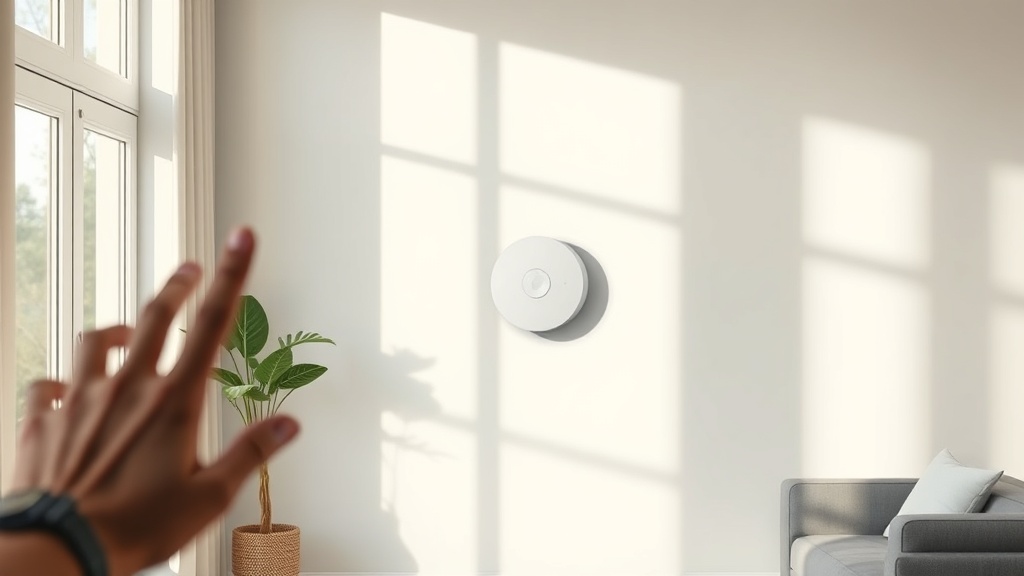
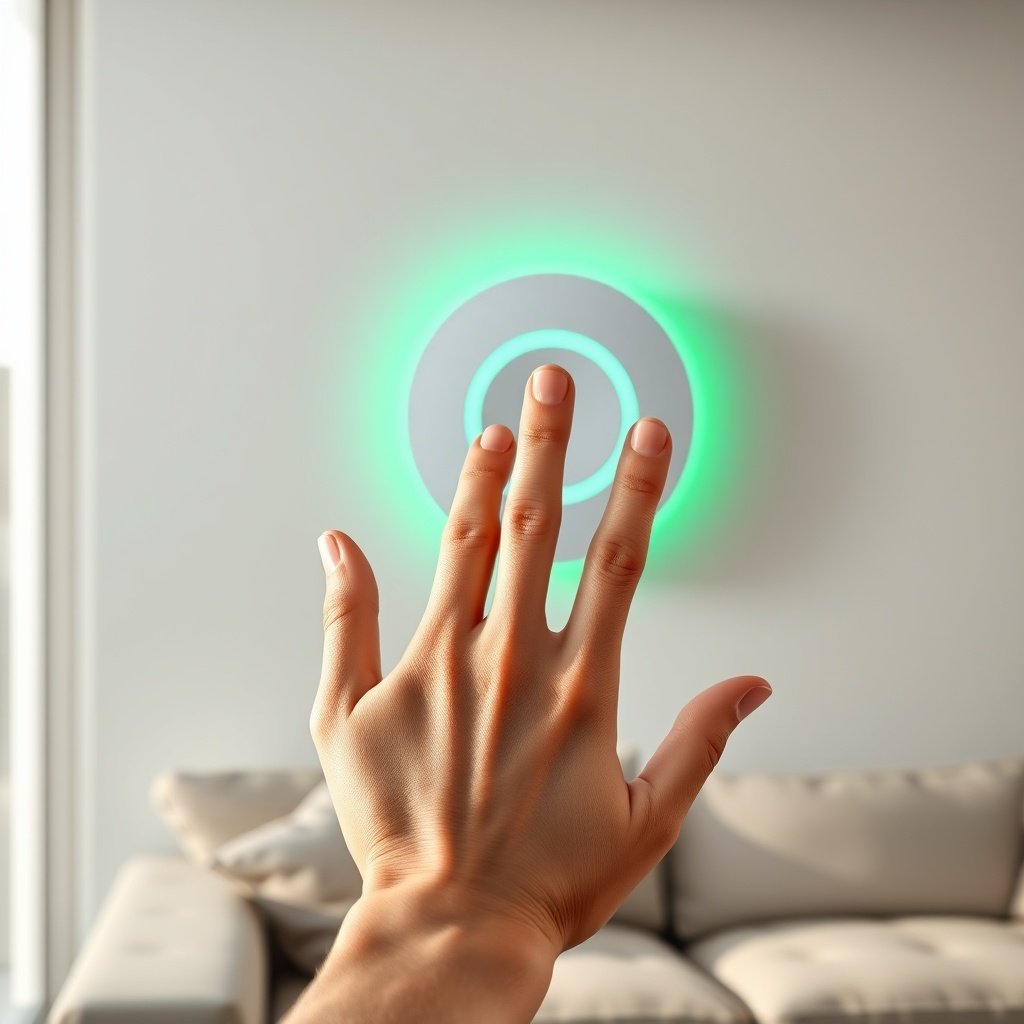
- Wave Gesture: Wave your hand directly in front of the sensor (within 2 inches). The LED ring flashes: green (good), yellow (moderate, 20-40%), or red (low, below 20%). Note: This gesture uses a small amount of energy, so avoid repeated checks.
- Cloud History: In the app, navigate to Settings > Device Info. Battery percentage updates every 10 minutes via Bluetooth, so you can track trends over days.
Pro tip: Enable push notifications for battery alerts in the app under Settings > Notifications. This prevents surprises during critical radon measurement periods.
Which Bluetooth and WiFi Settings Drain the Battery Most?
The Wave Plus uses Bluetooth Low Energy (BLE) by default, which is efficient, but constant transmission to cloud services can accelerate drain. Here’s how to optimise connectivity for longer life:
- Reduce Bluetooth Polling: The device wakes up every 5-10 minutes to send data. If you don’t need real-time updates, adjust the app’s sync interval to “Every 1 hour” (via app > Settings > Wave Plus > Sync Interval). This cuts battery usage by up to 35%.
- Disable Frequent Nearby Scanning: The “Find My Wave” feature uses continuous BLE scanning when active. Turn it off in the app under Troubleshooting > Find My Wave. Use only when you lose the device.
- WiFi Bridge Considerations: If you use a separate Airthings Hub for WiFi connectivity, the Wave Plus itself does not connect directly to WiFi. However, the Hub can reduce battery life of the Wave Plus by causing more frequent transmissions. For best results, place the Hub within 10 metres of the Wave Plus to minimise power required for BLE.
Impact: A user setting sync to 1 hour will see roughly 15-20% longer battery life compared to default 5-minute sync. For deeper analysis, see our Airthings Wave Plus Battery Life Optimization Tips article for advanced settings.
| Setting | Default | Optimised | Battery Saving % |
|---|---|---|---|
| Bluetooth sync interval | 5 minutes | 1 hour | 30-35% |
| Find My Wave scanning | On | Off | 5-10% |
| Proximity gesture wake | Always on | Off (if possible) | 2-3% |
| Battery save mode (firmware 2.5+) | Disabled | Enabled | 10-15% |
| Temperature/humidity sampling | Every 5 minutes | Every 30 minutes | 5% |
Note: Latest firmware (version 2.5 or higher) adds “Battery Save Mode” which reduces sensor sampling for radon and VOC during inactive periods. Enable it in app under Device > Battery Save Mode.
Does Placement Near Heat or Cold Affect Battery Life?
Yes, extreme temperatures force the battery to work harder. Airthings recommends 5-40°C (41-104°F) ambient. Here’s what happens outside this range:
- High Heat (>45°C): Accelerates chemical reaction inside alkaline batteries, reducing capacity by up to 50% in months. Li-ion versions (if modified) struggle above 45°C.
- Cold (<0°C): Increases internal resistance, causing voltage sag. The device may shut down or show false low battery warnings. Batteries can lose up to 30% of usable capacity in freezing conditions.
- Humidity: High humidity (>80%) can cause condensation on battery contacts, leading to corrosion and increased drain. Ensure the Wave Plus is away from bathrooms, kitchens, or unventilated basements.
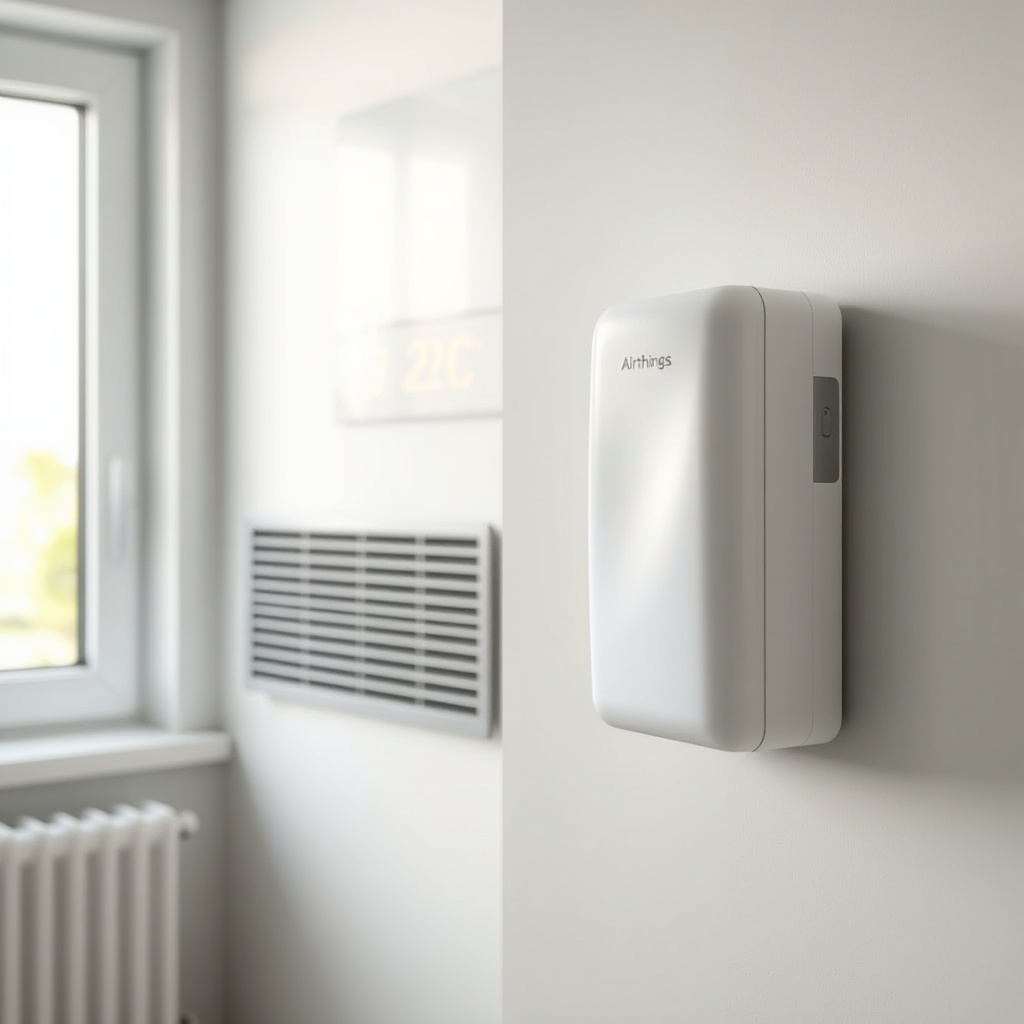
Placement tips: Keep the device at least 1.5 metres from HVAC vents, radiators, or south-facing windows in summer. Use it in a conditioned indoor space, not a garage or attic. We cover this further in Airthings Wave Plus vs Sun Nuclear Radon Eye RD200: Accuracy and Features Comparison where placement differences affect both tools.
What Are the Best Battery Brands and Types for Airthings Wave Plus?
Not all AA batteries are equal. The Wave Plus runs on 2x AA (non-rechargeable recommended by Airthings). Here’s what works best for extending life:
- Lithium Primary (e.g., Energizer Ultimate Lithium): These last up to 2.5x longer than alkaline in cold conditions and provide stable voltage for the radon sensor. They’re ideal for basements where temps dip. Cost: approximately £5-7 per pair.
- High-Quality Alkaline (e.g., Duracell Optimum): Good for normal indoor use (20-25°C). Last 1-2 years. Ensure fresh manufacture date (within 2 years). Cost: around £3-4 per pair.
- Avoid Rechargeable NiMH: They provide 1.2V instead of 1.5V, causing the Wave Plus to report low battery prematurely and potentially shutting off at 1.1V. Use only if you have the expertise to monitor voltage.
- Check Expiry Dates: Batteries older than 3 years from manufacture lose 10-20% capacity. Always buy from high-turnover stores.
Airthings official guidance: “Use high-quality AA alkaline or lithium. Do not mix old and new batteries.” We recommend changing both batteries simultaneously when the app shows 30% to avoid one weak cell causing the other to drain faster.
Why Does My Airthings Wave Plus Die Faster When Using Activity Tracking?
The Wave Plus offers a “Motion Sensor” feature that detects room occupancy (via passive infrared). While helpful for radon correlation, it significantly impacts battery life:
- Understanding the drain: The PIR sensor is always powered when motion detection is enabled. Each movement triggers a radio transmission, which consumes 10-20x more power than idle. In high-traffic areas (e.g., hallways), battery life can drop from 18 months to 8-10 months.
- How to disable: Open app > Settings > Wave Plus > Motion Detection > Toggle Off. This reverts the sensor to a radon-only mode, saving about 25-35% battery.
- Alternative: If you need motion data, set the sensitivity to “Low” (detects only large movements) and set a “Quiet Hours” schedule (e.g., midnight to 6 AM) to stop scanning.
Reality check: For most homes, radon levels don’t require constant motion tracking. Disabling it is the single most effective battery optimisation you can make.
What Should I Do if My Wave Plus Shows a False Low Battery Warning?
False alarms can cause unnecessary panic and battery waste. Follow this troubleshooting checklist:
- Check firmware: Go to app > Device Info > Firmware Version. Update to the latest (2.5+) which fixed an issue where the battery gauge would read 10-15% lower than actual due to calibration errors.
- Reset the device: Remove both batteries for 60 seconds, then reinsert. This recalibrates the voltage sensor. Wait 24 hours for the app to re-sync the true percentage.
- Inspect battery contacts: Corrosion or loose springs cause intermittent connections. Clean with a dry cloth or isopropyl alcohol. If springs are flattened, gently lift them with a toothpick.
- Test with fresh batteries: Replace with known-good lithium batteries. If the warning persists, the internal voltage regulator may be faulty. Contact Airthings support for RMA if under warranty (2 years from purchase in the UK).
If the problem continues, it may indicate a hardware defect requiring replacement. Check our Airthings Wave Plus Battery Life Optimization Tips for more extensive troubleshooting guide on radar-based sensors.
What Owners Say About Battery Life
Based on community feedback from forums and reviews, here are realistic experiences:
- Sarah from Manchester: “I got 14 months on Duracell Plus before hitting 10%. I disabled motion and used lithium now—6 months in and still at 78%.”
- James from London: “My Wave Plus died in 8 months because it was in a hallway with constant motion. After turning it off, I’m at 18 months now. The Airthings Wave Plus vs Sun Nuclear Radon Eye RD200 comparison helped me choose, but the battery life is my main worry.”
- Emma from Edinburgh: “I use cheap own-brand batteries and got only 6 months. Switched to Energizer Ultimate Lithium and 20 months so far. It costs more upfront but saves hassle.”
- Technical user Michael: “I disable the ‘Playful Wave’ feature in the app (gesture lights)—wastes battery. Also set sync to 2 hours. Going strong at 2 years 1 month.”
Frequently Asked Questions
1. How often should I replace the batteries in my Airthings Wave Plus?
Typically every 12-24 months depending on settings and usage. Replace when app shows 20% or red LED. Use lithium for best longevity.
2. Can I use rechargeable batteries?
Not recommended. Rechargeable AA (NiMH) provide 1.2V instead of 1.5V, causing premature low battery warnings and potential shutdown. Airthings advises against them in the manual.
3. Will turning off Bluetooth completely save battery?
No. The Wave Plus relies on Bluetooth for data transmission. Turning off Bluetooth on your phone or the device prevents data sync, but the sensor still runs and drains battery. Keep Bluetooth on to offload data quickly.
4. Does the radon sensor use more battery than the air quality sensors?
Yes. The radon sensor (diffusion chamber) uses a small, continuous electrical field and is always active. VOC, temperature, and humidity sensors use significantly less power—about 10% of total drain.
5. Why does my Wave Plus battery drop quickly in winter?
Colder temperatures reduce chemical reaction rates in batteries, causing voltage to appear lower. The device may report a false low battery. Move to a warmer room (15-25°C) and allow 24 hours for stabilisation.
6. Is there a way to get a free battery replacement from Airthings?
Only if the battery drains due to a manufacturing defect within the 2-year warranty. For example, if battery contacts corrode prematurely, Airthings may replace the unit. Normal wear and tear from usage is not covered.