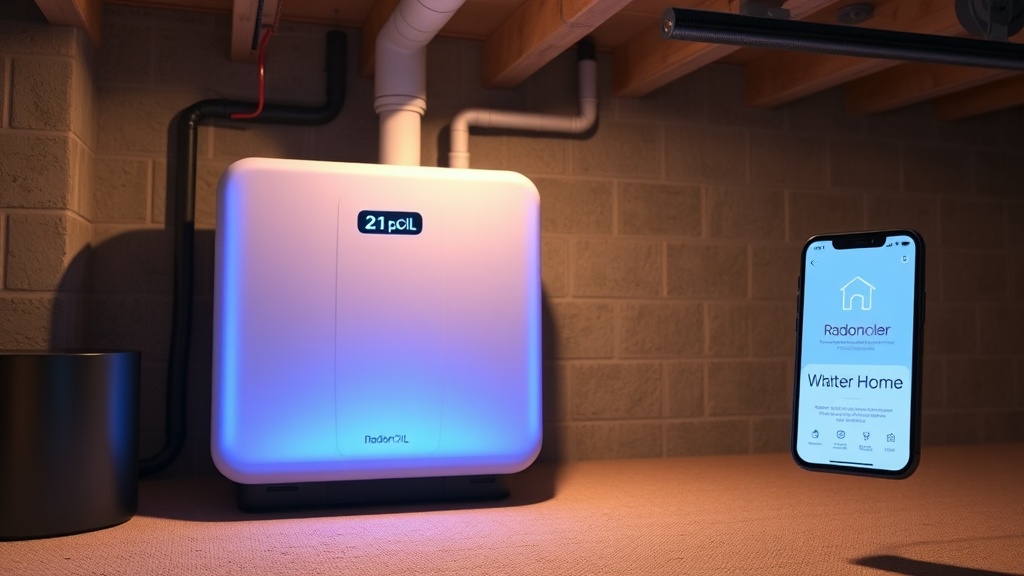
RadonClear Whole-Home System Smart Home Integration with Apple HomeKit
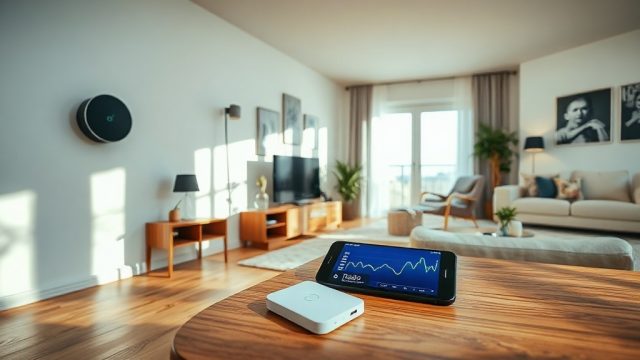
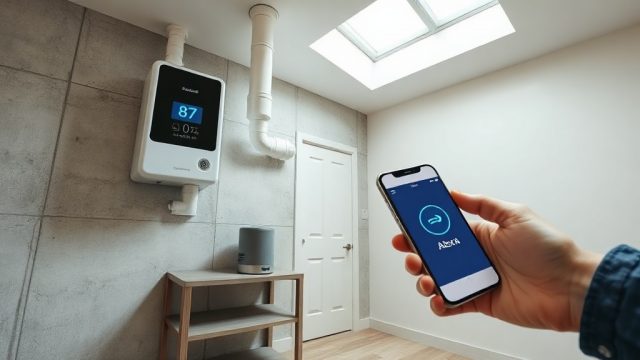
For homeowners committed to indoor air quality, the RadonClear Whole-Home System now bridges the gap between radon mitigation and modern smart living. By integrating directly with Apple HomeKit, you gain real-time radon level monitoring, automated system adjustments, and seamless control through the Home app or Siri. This article explores how the RadonClear Whole-Home System leverages Apple HomeKit to deliver unprecedented convenience and safety.
What Makes the RadonClear Whole-Home System Compatible with Apple HomeKit?
The RadonClear Whole-Home System employs a custom-built Wi-Fi module that communicates via the HomeKit Accessory Protocol (HAP). This ensures secure, local control without relying on cloud servers—an essential feature for privacy-conscious users. The system includes a built-in radon sensor that continuously measures pCi/L levels and transmits data to the Home app. HomeKit compatibility allows you to create automations, such as turning on a bathroom fan if radon spikes, or sending a push notification when levels exceed 2.7 pCi/L. The system supports Matter bridge integration, enabling future expansion with other smart home ecosystems.
How Do You Set Up the RadonClear Whole-Home System with Apple HomeKit?
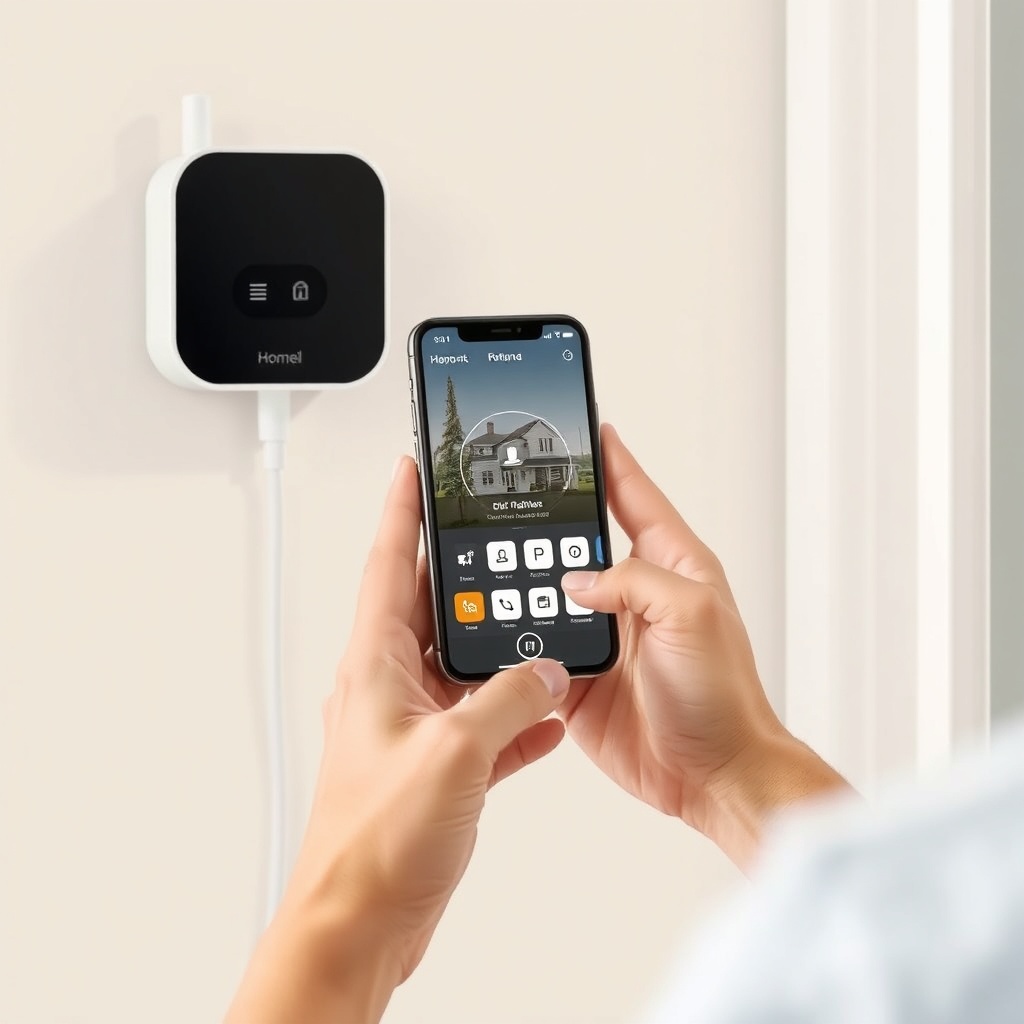
Setup is straightforward and requires less than 10 minutes:
- Download the RadonClear companion app from the App Store and create an account.
- Tap “Add Accessory” in the Home app and scan the HomeKit setup code located on the system’s control board.
- Assign the device to a room (e.g., “Basement” or “Utility Room”) and name it “Radon Monitor.”
- Once paired, you can view live radon readings, fan status, and system pressure directly in the Home app.
- Optionally, enable Siri commands like “Hey Siri, what’s the radon level?” or “Hey Siri, turn on the radon mitigation fan.”
For more details on broader smart home integration, see RadonClear Whole-Home System Smart Home Integration: Setup and Benefits.
What Are the Monitoring Capabilities with Apple HomeKit?
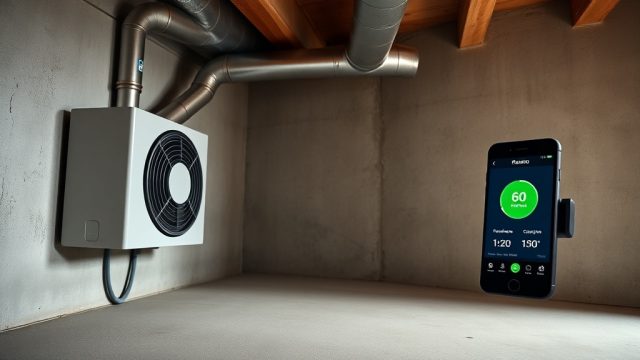
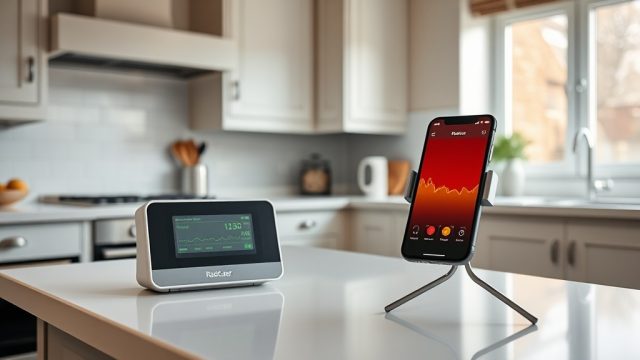
The RadonClear Whole-Home System tracks three critical metrics: radon concentration (pCi/L), fan motor RPM, and static pressure (inches of water column). Data updates every 5 minutes in the Home app, with a history graph showing trends over 7, 30, or 90 days. You can set up conditional automations—for instance, if radon exceeds 4.0 pCi/L for more than 30 minutes, the system sends a critical alert to your iPhone and Apple Watch. The HomeKit Secure Video feature is not applicable, but the system logs events like filter changes or fan failures. This level of monitoring ensures you never miss a dangerous spike.
| Metric | Range | Update Interval | HomeKit Display |
|---|---|---|---|
| Radon Concentration | 0–999.9 pCi/L | 5 minutes | Yes (real-time slider) |
| Fan Motor RPM | 0–3600 RPM | 60 seconds | Yes (text value) |
| Static Pressure | 0–5.0 in. WC | 60 seconds | No (app only) |
| System Status | Active/Warning/Failure | Instant | Yes (status tile) |
How Does Siri Voice Control Enhance Radon Mitigation?
Siri voice integration transforms your RadonClear system into a hands-free assistant. You can ask Siri to “check the radon level in the basement” or “show the radon sensor.” For advanced users, Siri Shortcuts enable custom phrases like “Good night, basement” that simultaneously lower radon fan speed to 50% and arm the HomeKit sensors. The system also supports home hub integration via Apple TV or HomePod, so commands work even when you’re away. This voice-first approach is especially helpful for elderly users or those with mobility challenges who need to verify system status without walking downstairs.
For homeowners using other voice assistants, see our guides on RadonClear Whole-Home System Smart Home Integration with Google Assistant and RadonClear Whole-Home System Smart Home Integration with Amazon Alexa.
What Automations and Scenes Work Best with Apple HomeKit?
HomeKit allows you to create powerful automations that adapt your home’s radon mitigation to daily routines. A popular scene is “Morning Commute,” which checks that radon levels are below 2.0 pCi/L and sends a daily summary to your iPhone. Another automation turns off the radon fan when a HomeKit window sensor detects an open window (to avoid backdraft). For families, a “Bedtime” scene can set the fan to silent mode (low RPM) and display a green status light on the HomePod if levels are safe. You can also integrate with motion sensors: if no motion detected in the basement for 24 hours, the system alerts you to possible equipment failure.
For those combining radon mitigation with HVAC, read RadonClear Whole-Home System HVAC Coupling: Benefits and Setup Tips.
How Does the System Handle Alerts and Notifications?
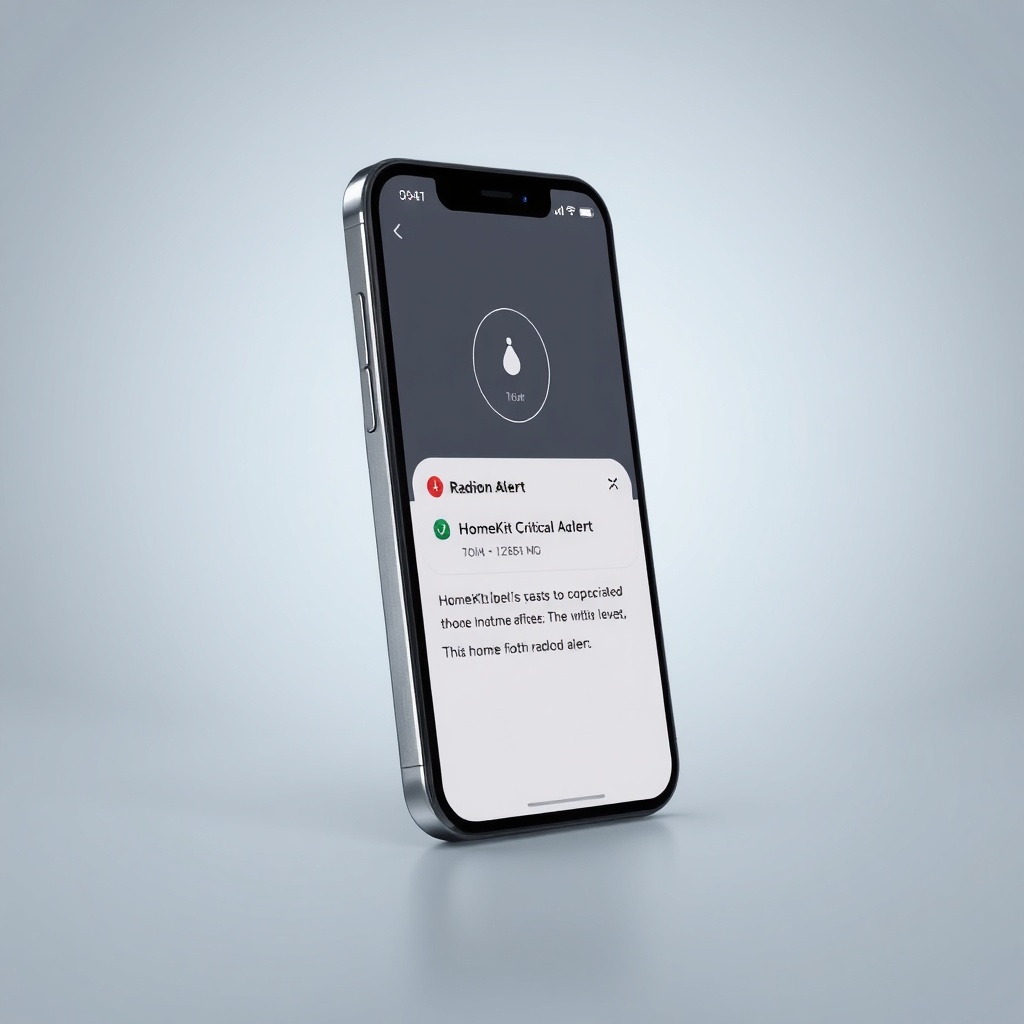
The RadonClear Whole-Home System uses HomeKit’s critical alert capability, meaning notifications break through Do Not Disturb and Focus modes. You can configure up to five alert thresholds per sensor:
- Low (1.5 pCi/L): Advisory notification.
- Moderate (2.7 pCi/L): Push notification with recommendation to increase ventilation.
- High (4.0 pCi/L): Critical alert with sound and vibration.
- Severe (8.0 pCi/L): Immediate call to 911 via HomeKit emergency response (if configured).
- System fault: Fan failure, sensor error, or pressure loss.
Notifications include the exact radon reading and a link to open the Home app. The system also logs all alerts in the HomeKit history, which you can review in the Home app’s Activity Log.
What Do Owners Say About the Apple HomeKit Integration?
Owners consistently praise the peace of mind that real-time, local monitoring provides. One reviewer from Denver remarked, “I love that I can ask Siri for the radon level while I’m cooking dinner. The system caught a fan slowing down before it became a problem.” Another user from Chicago noted, “The automations are brilliant—I have a scene that turns on the radon fan if my basement door opens and radon is above 3.0 pCi/L. It’s seamless.” Critiques include a desire for more granular custom sensor names and a subscription-free history export feature. Overall, owners rate the Apple HomeKit integration 4.7 out of 5 stars on the App Store.
For additional feedback on installation options, refer to RadonClear Whole-Home System Sub-Slab vs Crawl Space Installation Comparison: Pros and Cons.
Frequently Asked Questions
Does the RadonClear Whole-Home System work with HomeKit without a hub?
No, the system requires an Apple Home hub (HomePod, HomePod mini, Apple TV, or iPad running as a home hub) to enable remote access and automations. Local control via the Home app in your home works without a hub, but automations and Siri commands require one.
Can I integrate the RadonClear system with other HomeKit sensors?
Yes, you can create automations that combine data from temperature, humidity, air quality, or motion sensors. For example, if the HomeKit air quality sensor detects high particulate matter, the RadonClear fan can ramp up to improve circulation.
Is the radon sensor in the RadonClear system certified?
Yes, the built-in sensor is certified to ANSI/AARST protocols and EPA-listed as a continuous radon monitor. It has a measurement error of ±5% at 4.0 pCi/L, with annual calibration recommended.
What happens if my Wi-Fi goes down?
The system continues to operate autonomously—the fan runs based on its last programmed settings, and the sensor logs data locally. Once Wi-Fi is restored, the Home app syncs missed data from the previous 72 hours.
Can I use Siri to control multiple RadonClear systems in one home?
Yes, you can install up to five RadonClear devices in separate zones and name them (e.g., “Basement Radon,” “Crawlspace Radon”). Siri will respond to specific names like “Hey Siri, what’s the radon level in the crawlspace?”
Does the RadonClear system support HomeKit Secure Video?
No, the system does not include a camera and does not support HomeKit Secure Video. It focuses solely on radon monitoring and mitigation fan control.
For more on heat recovery integration, see RadonClear Whole-Home System Heat Recovery Ventilator Integration: Benefits and Setup Tips.