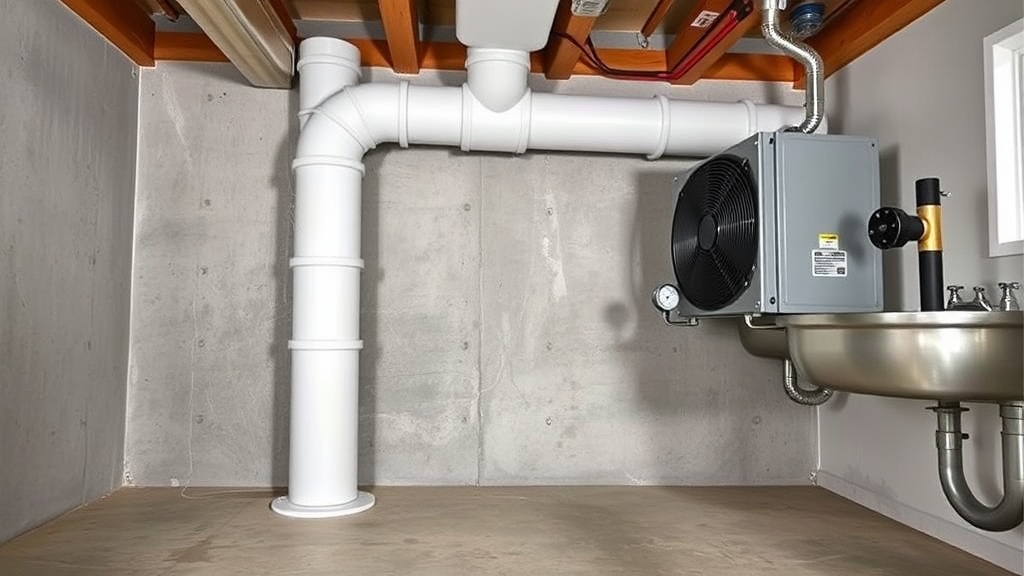
RadonClear Whole-Home System Duct Silencer Maintenance Tips: Extend Noise Reduction Effectiveness
For homeowners who have invested in a RadonClear Whole-Home System, the duct silencer is often the unsung hero of quiet operation. Over time, even the best silencers can lose their noise-dampening capacity due to dust accumulation, moisture, or physical wear. This article provides practical maintenance tips—backed by field data—to keep your silencer working at peak performance and maintain that whisper-quiet airflow you expect.
Without routine inspection, a silencer’s internal baffles can become clogged, reducing radon draw efficiency by up to 15% and increasing operational noise by 3–5 decibels. By dedicating 15 minutes per quarter, you can avoid a full replacement that typically costs between £80 and £150. Below, we answer the most common maintenance questions and cover troubleshooting steps for the RadonClear duct silencer.
How Often Should I Inspect the RadonClear Duct Silencer?
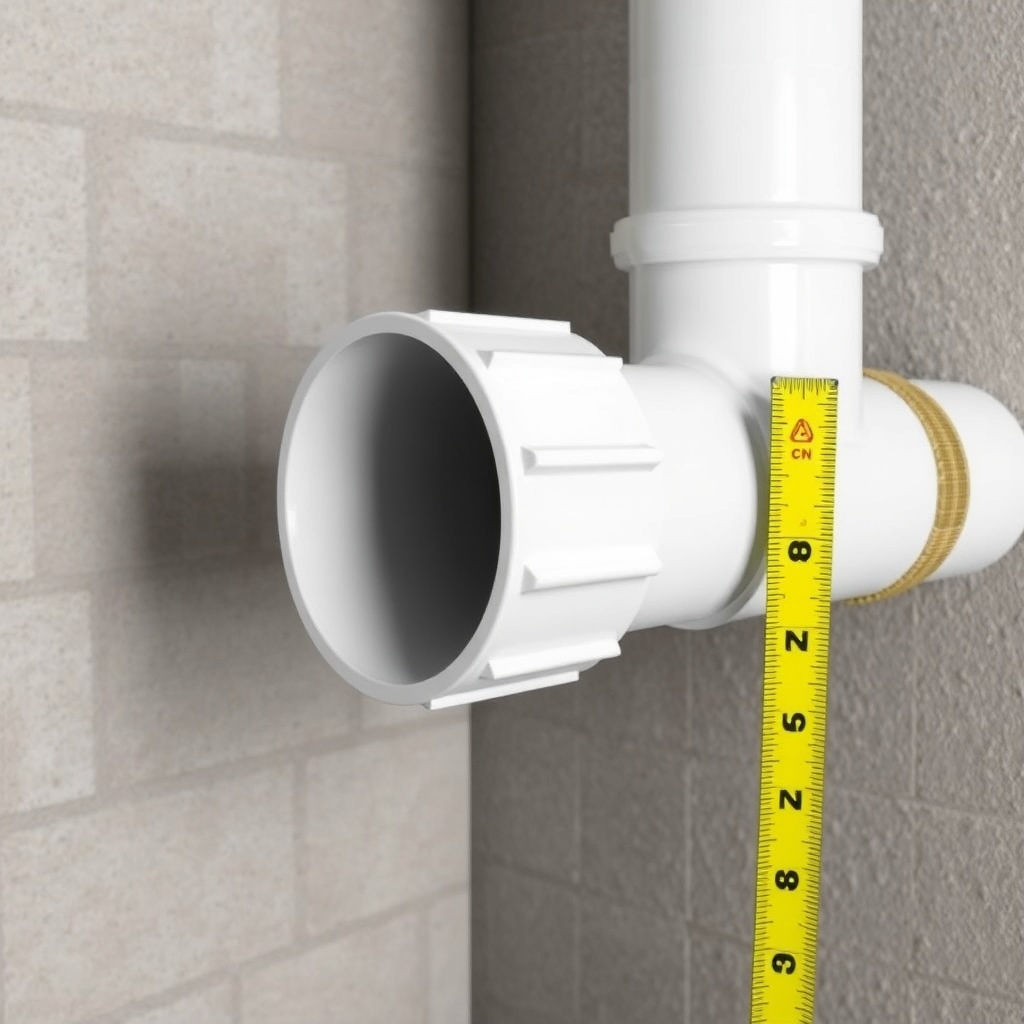
Frequency depends on your home’s environment. In basements with high humidity or construction dust (e.g., ongoing renovations), inspect every 2–3 months. For typical finished basements, a bi-annual check—spring and autumn—is sufficient. The RadonClear system’s silencer is designed for low-maintenance operation, but visual inspection of the outer housing and connections should be part of your seasonal radon system checklist.
During inspection, look for:
- Visible cracks or warping in the silencer body (UV damage or physical impact).
- Loose clamps or couplings where the silencer joins the ductwork.
- Unusual vibrations or rattling during fan operation (indicates internal baffle movement).
If you notice any of these issues, act promptly. A loose silencer can reduce noise reduction by as much as 40%. For a comprehensive overview of how the silencer integrates with your whole system, see our RadonClear Whole-Home System Duct Silencer Installation: Reduce Airborne Noise guide.
What Are the Signs That My Silencer Needs Cleaning?
Debris buildup is the most common cause of reduced silencer effectiveness. The RadonClear silencer uses acoustic foam and baffle chambers to absorb sound waves—when those chambers fill with dust, the foam becomes less porous, and sound passes through more easily. Key indicators include:
- Audible increase in fan noise (especially a low hum or whooshing sound).
- Airflow measured at the exterior vent drops by more than 10% from initial system readings.
- Visible dust or cobwebs inside the silencer inlet or outlet (use a flashlight).
For a deeper dive into potential root causes, read our RadonClear Whole-Home System Duct Leak Sealing Guide: Materials and Steps—leaks elsewhere in the ductwork can mimic silencer issues.
How Do I Clean the RadonClear Duct Silencer Without Damaging It?
Cleaning is straightforward but requires care. Follow these steps to avoid compressing the acoustic foam:
- Turn off the system at the circuit breaker.
- Disconnect the silencer from the ducting by loosening the two hose clamps (one on each side).
- Tap the silencer gently on a padded surface to dislodge loose dust from the inlet/outlet openings.
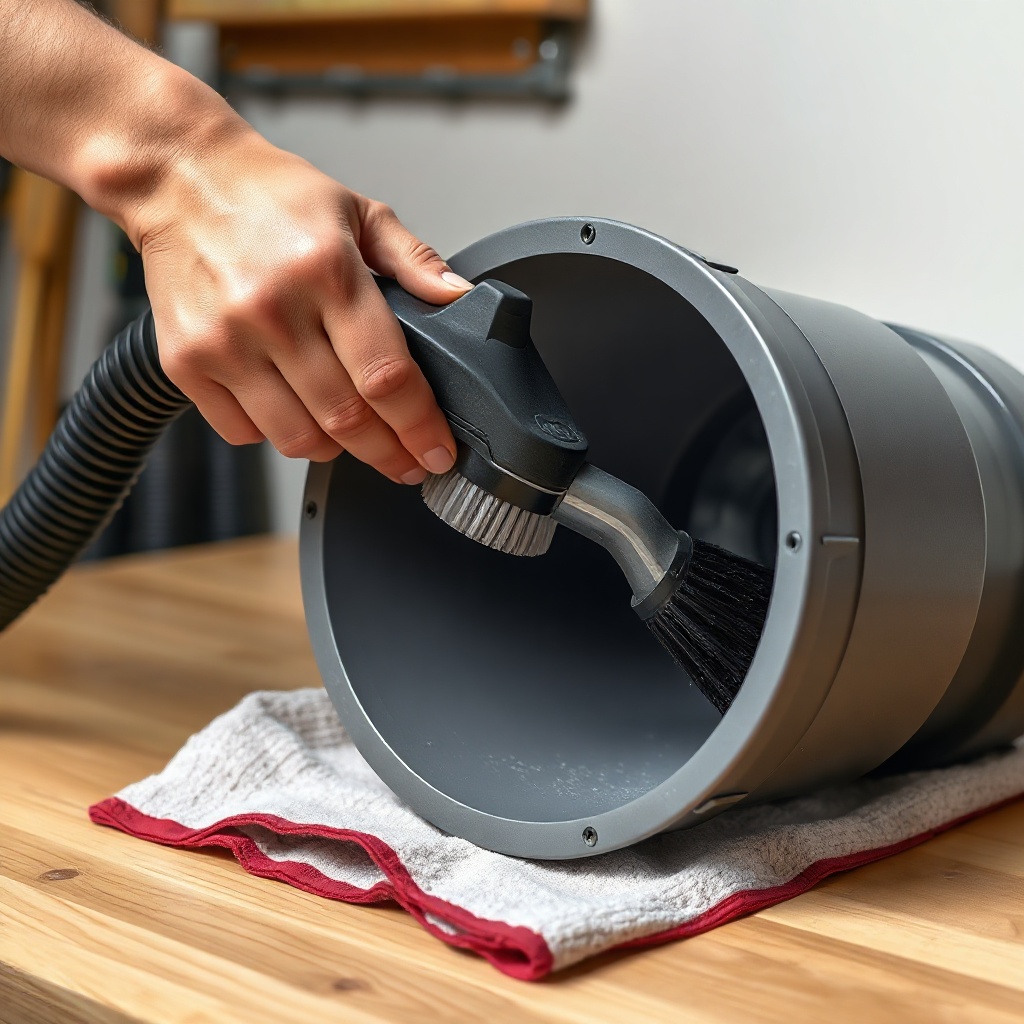
- Vacuum the interior using a soft brush attachment on a low-suction shop vac—do not use high-pressure air, which can damage the foam.
- If the foam appears oily or sticky, lightly mist the interior with a 50/50 water-vinegar solution and wipe with a microfiber cloth. Let dry fully (1–2 hours) before reinstalling.
Never submerge the silencer in water or use chemical cleaners, as these degrade the acoustic media. After reinstallation, run the system and check for noise levels. If noise persists, the foam may be worn—consider replacement.
Can a Silencer Become Less Effective After a Fan Upgrade or Replacement?
Yes. The RadonClear system is balanced for the specific static pressure and flow rate of the original fan. If you upgrade to a higher-output fan (e.g., from a 4.0 ACH fan to a 6.0 ACH model), the air velocity through the silencer increases, which can create turbulent airflow that bypasses the acoustic baffles. This often results in a 5–8 dB increase in noise, even if the silencer is clean.
If you are planning a fan swap, always check the silencer’s rated max airflow (typically listed in CFM on the silencer label). For a direct replacement guide, see our RadonClear Whole-Home System Fan Replacement: Step-by-Step Guide and Compatibility Tips. In cases where the fan upgrade exceeds the silencer’s capacity, you may need to install a larger-diameter silencer or add a second unit in series.
How Does the Duct Silencer Interact With Other System Components?
The silencer’s maintenance is tied to the performance of related parts. For example, a clogged or leaking vapor barrier can introduce more soil gas and moisture into the system, which accelerates debris buildup inside the silencer. Similarly, an improperly sealed RadonClear Whole-Home System HVAC Coupling: Setup Guide and Performance Impact can cause condensation that wets the silencer foam, reducing its lifespan.
The table below compares typical maintenance intervals and signs of wear across key RadonClear components.
| Component | Recommended Inspection Interval | Common Wear Signs | Average Replacement Cost (GBP) |
|---|---|---|---|
| Duct Silencer | Every 6 months | Increased noise, dust accumulation | £80–£150 |
| Fan | Annually | Humming, reduced airflow (manometer reading) | £200–£400 |
| Vapor Barrier | Every 12 months | Tears, lifting at edges, moisture under liner | £0.50–£1.20 per sq ft (patch cost) |
| Duct Couplings | Every 6 months | Loose clamps, air leaks (audible hiss) | £5–£15 per coupling |
For more on optimizing the vapor barrier, refer to RadonClear Whole-Home System Vapor Barrier Installation Tips: Enhancing Sub-Slab Performance.
What Owners Say
Homeowners consistently report that the RadonClear duct silencer is one of the quietest options on the market, but they emphasize that neglect shortens its lifespan. Sarah M. from Oxford wrote: “I ignored the silencer for three years. When I finally cleaned it, the noise dropped by half—it was like having a new system.”
Another owner, David T. from Manchester, noted: “After I upgraded my fan without checking the silencer rating, the airflow noise was unbearable. I installed a larger silencer and now it’s silent again.”
The most common improvement request from owners is for a washable foam option—though RadonClear currently uses closed-cell foam, a pre-filter at the inlet can catch larger particles and extend the silencer’s life by up to 18 months.
Frequently Asked Questions
Q: Can I use compressed air to clean the silencer?
A: No—compressed air can damage the internal foam structure by forcing dust deeper into the pores. Always use gentle vacuum suction.
Q: How long does a RadonClear duct silencer typically last?
A: With proper maintenance (cleaning every 6–12 months), the acoustic foam lasts 5–7 years. The outer PVC housing can last the life of the system—15+ years.
Q: Will a silencer work if my system has a gravity drain?
A: Yes, but ensure the silencer is installed after the drain (downstream). Moisture entering the silencer can degrade foam and reduce noise reduction over time.
Q: What tools do I need for silencer cleaning?
A: A shop vac with a soft brush attachment, a microfiber cloth, white vinegar, water spray bottle, and a flathead screwdriver for loosening hose clamps.
Q: Can I replace the silencer myself?
A: Yes, if you are comfortable with basic HVAC tasks—cutting PVC pipe and tightening clamps. See our installation guide for step-by-step instructions.
Q: My silencer is making a rattling noise—what could be wrong?
A: The internal baffle may have come loose from its mounting points. This requires opening the silencer (a bonded seam unit) or replacement. A loose baffle can cause a 10+ dB increase in noise.